
Quick answer: when you choose an IPTV subscription, Canada-specific details matter most: English and French sections, Interac e-Transfer at checkout, apps for the devices you already own and a real person to help with setup. Our list has about 600 Canada entries in English and French sections, plus a separate France section of about 1,700 (as of 28 Oct 2026). Plans start at $14 in US dollars. If one channel matters to you, ask us on WhatsApp before you buy.
Disclosure: we sell IPTV subscriptions and Hot Player activations, so this guide points to our own plans where they fit. The checklist further down works for any provider you compare.
Table of Contents
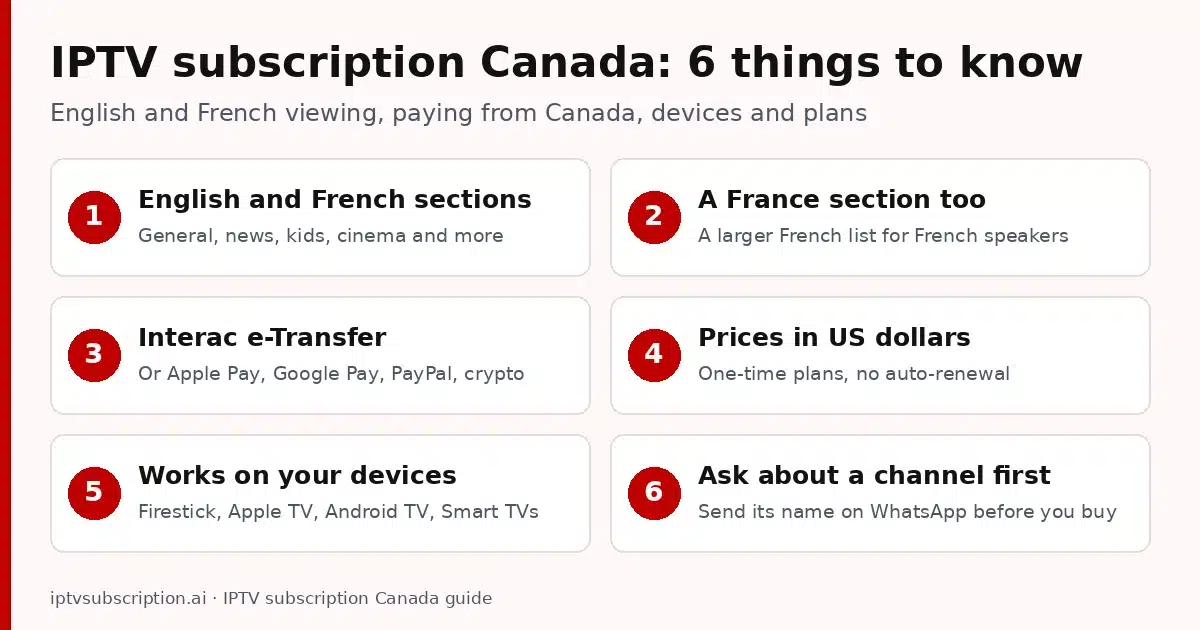
Whether you search for IPTV subscription Canada, Canadian IPTV subscription or IPTV Canada subscription, you are after the same thing: live TV streamed over your home internet into an app on your TV, streaming stick, phone or computer, with no cable box and no satellite dish. If IPTV is new to you, read what IPTV is and how it works first, then come back for the Canadian details.
IPTV subscription Canada: what our Canada section contains
These numbers come from our provider’s channel list, read on 28 Oct 2026. They are rounded down, include a few section-header lines, and the list changes often, so treat them as a snapshot, not a promise:
| Part of the list | Entries (as of 28 Oct 2026) |
|---|---|
| Canada section, English and French | about 600 |
| France section | about 1,700 |
| USA section | about 5,900 |
| Whole live list, all countries | about 38,100 |
The Canada section has English and French groups for general viewing, news, kids, documentaries, cinema and sports, plus French-language music. Every plan also includes the rest of the list and 150,000+ movies and series on demand (for 4K, see our IPTV 4K guide).
Canada is home to many languages, and plenty of homes watch in more than one. Other sections in the same list include Arabic (about 4,800), South Asian language sections such as Punjabi, Hindi, Tamil and Gujarati (about 2,000 together), the United Kingdom (about 1,600), Italy (about 1,100), Poland (about 700) and Portugal (about 650).
For every section and its size, see our IPTV channel list. Watch mostly US channels? Our IPTV USA guide covers the US section in detail. We do not promise any single channel or regional station, so check the ones you care about first (see how to check a channel below).
English and French viewing in one plan
Canada’s two official languages show up in the list as separate groups. In most IPTV apps, sections appear as categories in the live TV menu, so English and French viewers each go straight to their own groups, with the same login and app.
French speakers get more choice than the Canada section alone: the France section adds about 1,700 entries (as of 28 Oct 2026). Nothing is sold as a language add-on. The English groups, the French groups and the France section all come with every IPTV subscription Canada viewers buy from us.
Tips for bilingual homes
- Use favourites. Most IPTV apps let you save channels to a favourites list, so each person keeps their language groups one click away.
- The app language is a separate setting. Switching the menus to French changes the menus, not the channels, and not every app offers French menus.
- Audio tracks depend on the stream. When a movie carries more than one, most players let you switch in the playback menu.
TV guide and Canadian time zones
Canada spans six time zones, from Newfoundland to the Pacific coast. Many IPTV apps show a TV guide (EPG) when the provider supplies one, and the times usually follow the clock on your device. Set the right time zone on your TV or streaming stick first. If guide times still look shifted, look for a guide time offset in your app’s settings, or ask us for help.
Paying for your IPTV subscription: Canada payment options
You pay on a secure checkout at gotoiptv.com. Customers in Canada can use Interac e-Transfer, the bank-to-bank transfer you may already know from your online banking (Interac explains how it works on its Interac e-Transfer page). You can also pay with Apple Pay, Google Pay, PayPal or crypto.
All prices are in US dollars, and every plan is a one-time payment with no auto-renewal. When your plan ends, you decide whether to extend your subscription with the same username and apps. You can see your end date and days left at any time on our check my IPTV account page.
How to choose the best IPTV subscription: Canada checklist
There is no single best IPTV subscription, Canada-wide or anywhere else, that suits every home. The right one has your channels in your language, runs on your devices and answers when you need help. Five checks show the difference before you pay (our general best IPTV service checklist goes deeper):
- Both languages. Ask whether the list has English and French groups, and how big the French side is.
- A payment method you trust, clear prices in one currency, and one-time plans with no auto-renewal.
- Works on your devices. The service should support Xtream Codes, M3U and MAC-based apps. If those login types are new to you, read Xtream Codes vs M3U.
- A dated channel list. Section sizes with a date (we give ours above) and a straight answer about a specific channel before you pay.
- Real help after you pay: a person to ask on WhatsApp or by e-mail, and a way to check your account status yourself.
Start with the shortest plan, watch at your usual hours, and only then commit to a longer one.
Devices for IPTV in Canada
You probably do not need new hardware. Each of these devices works with our plans through an IPTV player app:
- Amazon Firestick and Fire TV: most IPTV players are installed with the Downloader app (for Hot Player, the Downloader code is 395800). Guides: best IPTV for Firestick and Hot Player on Firestick.
- Apple TV box: install a tvOS IPTV player from the App Store on the Apple TV itself. Our best IPTV app for Apple TV guide compares the options.
- Android TV boxes and TVs: TV-friendly apps such as TiviMate or Hot Player. See TiviMate with our plans and best IPTV box.
- Samsung and LG Smart TVs: apps come from the TV’s own store, and Hot Player is there too. Step by step: Hot Player on Samsung and LG.
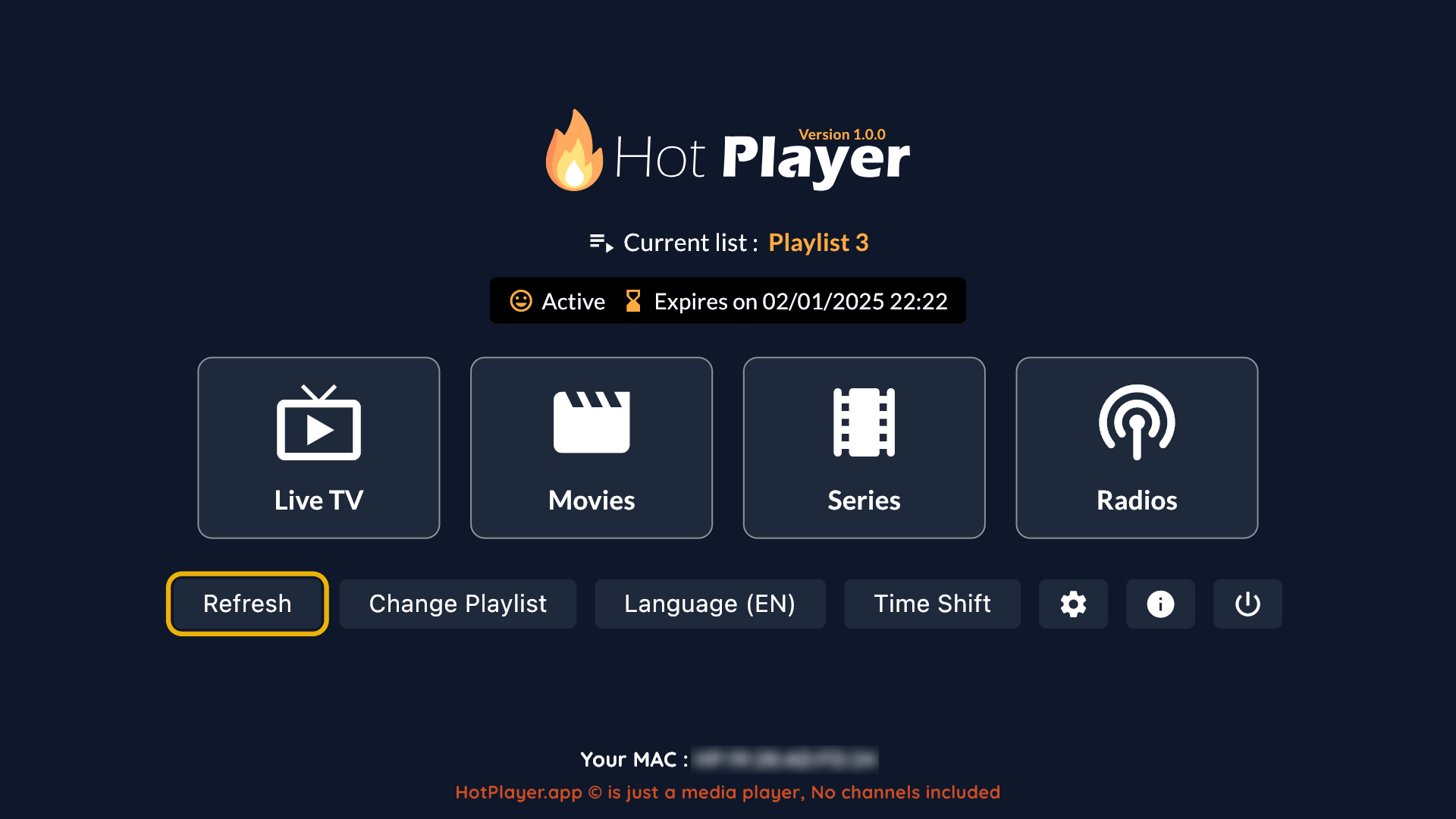
- Roku players and Roku TVs: Roku installs apps only from its own channel store. Hot Player has a Roku app, so a Hot Player activation is the way to watch on a Roku (MAC-based, nothing to type with the remote). Search for Hot Player on your Roku first, and if it does not show up, ask us on WhatsApp before you buy. Device details: Roku streaming players in Canada.
- Phones and computers: on phones, apps such as IPTV Smarters or Hot Player; on a Windows computer, VLC or Hot Player. See our best IPTV player and best IPTV player for Windows guides.
Another choice in Canada is GoTo Player: it is in the Canadian App Store for iPhone and iPad (iOS 15 or later), and it also runs on Fire TV and Android TV with the Downloader code 1129312 (not on the newest Vega OS sticks) and on Windows. It is free for 14 days; after that you activate it for a year or for life. GoTo Player activations are sold on gotoiptv.com, where our checkout runs.
On a Roku, follow our IPTV player for Roku guide: Hot Player in 4 steps, plus 2 other ways to watch.
Setting up IPTV Smarters Pro? The IPTV Smarters Pro subscription guide covers the login, quick fixes and how to add time later.
IPTV subscription Canada plans and prices
Every plan has the same channels and features and one connection by default. Prices are in US dollars, checked on 28 Oct 2026:
| Plan | Price (USD) | Months in total | About per month |
|---|---|---|---|
| 1 Month + 1 Free | $14 | 2 | $7.00 |
| 3 Months | $30 | 3 | $10.00 |
| 6 Months + 2 Free | $50 | 8 | $6.25 |
| 12 Months + 2 Free | $70 | 14 | $5.00 |
| Hot Player activation | $20 | Lifetime for 1 device, includes 1 month of IPTV | |
A Hot Player activation covers one device; each extra device needs its own. Want more than one screen at the same time, for example the living room TV and a Firestick in the basement? There is no published price for that, so ask us on WhatsApp. All plans in one place: IPTV subscription pricing.
How it works after payment
Getting started takes four steps, wherever you are in Canada:
- Pick a plan and pay on the secure checkout.
- Get your login by e-mail, usually within minutes after payment is confirmed: your username, password, and server URL or M3U link.
- Add it to your app. Type the Xtream Codes details or paste the M3U link. MAC-based apps such as Hot Player are linked to your device’s MAC address instead. Our IPTV setup guide shows each step.
- Watch, and check your account any time. Your end date and days left are on the account check page, and renewing keeps your username and apps.

Login not accepted? Check for extra spaces and copy the server URL exactly as written in your e-mail. Our IPTV not working guide covers the other common fixes.
Check a channel before you buy
Section sizes tell you how big the list is, not whether one channel you care about is in it today. Before you pay for any IPTV subscription, Canada or elsewhere, ask the seller to check the channels that matter to you. With us it works like this:
- Send us the channel name on WhatsApp. We look at the current list and tell you whether it is there today.
- Say English or French, so we check the right language group.
- Ask again later if you need to. The list changes often: a channel that is missing today may be added, and one that is there may move or drop out.
We would rather tell you “no” before you pay than after.
Already watching with us? Our customize page lets you choose which country groups appear in your list, the Canada groups included.
IPTV subscription Canada: FAQ
Does your list have English and French channels for Canada?
Yes. The Canada section has English and French groups for general viewing, news, kids, documentaries, cinema and sports, plus French-language music: about 600 entries as of 28 Oct 2026. There is also a France section of about 1,700 entries. The list changes often, so ask us on WhatsApp about a specific channel before you buy.
Can I pay with Interac e-Transfer?
Yes. Customers in Canada can pay with Interac e-Transfer on the secure checkout at gotoiptv.com, or with Apple Pay, Google Pay, PayPal or crypto. Prices are in US dollars.
How much does an IPTV subscription in Canada cost with you?
From $14 for 1 month + 1 free month up to $70 for 12 months + 2 free months, which is about $5 a month. All prices are in US dollars, and every plan is a one-time payment with no auto-renewal. Hot Player activation is $20, lifetime for one device, with 1 month of IPTV included.
How fast do I get my login after paying?
By e-mail, usually within minutes after payment is confirmed. It contains your username, password, and server URL or M3U link.
Can I watch on more than one TV at the same time?
Each plan includes one connection by default. For more screens at the same time, ask us on WhatsApp; there is no published price for that. A Hot Player activation covers one device, so each extra device needs its own.
More guides: how to get IPTV · cheap IPTV subscription · is IPTV worth it · IPTV service guide.