
Is IPTV Worth It? Pros, Cons and a Simple 5-Step Test

Quick answer: is IPTV worth it? For most people with a steady home internet connection, yes. IPTV can cost less than a cable bill, needs no contract and works on the TV, streaming stick, phone or computer you already own. It is not worth it if your internet is slow or unreliable, or if you pick a provider without real support and clear refund terms.
Disclosure: we sell IPTV subscriptions and Hot Player activations. This guide tries to be fair about the downsides too, so you can decide whether IPTV fits your home.
Table of Contents
What you need for IPTV to be worth it
IPTV sends TV over your internet connection instead of a cable or satellite line. If you are new to it, our guide on what IPTV is and how it works explains the basics. Is IPTV worth it for you? Before you pay for anything, check three things at home:
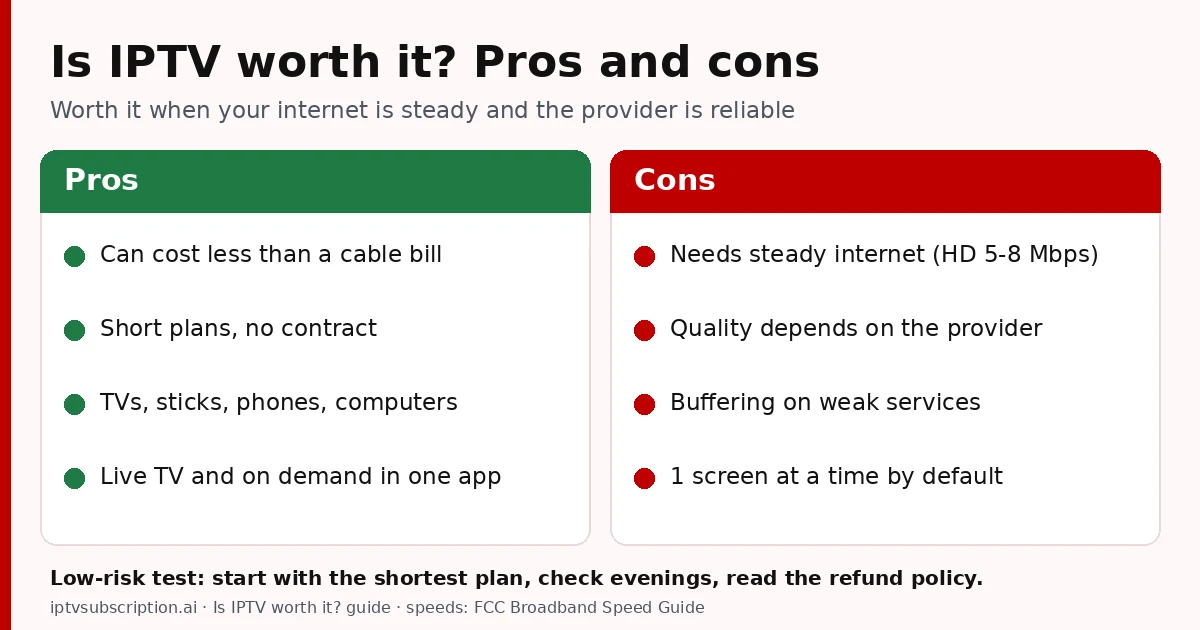
- Internet speed: the FCC’s Broadband Speed Guide lists about 5 to 8 Mbps for HD video and 25 Mbps for 4K video, for one activity at a time. If other people stream, game or work online at the same time, you need more.
- A stable connection: steady speed matters more than a high number. A wired Ethernet cable or a strong Wi-Fi signal near the TV helps a lot, especially in the evening.
- A device and an app: a Smart TV, Fire TV Stick, Android TV box, phone, tablet or computer, plus an IPTV player app. Our best IPTV player guide helps you choose one for your device.
Run a speed test on the device you will watch on, at the time you usually watch. If it stays well above the HD figure, IPTV has a good chance of working smoothly for you. If it is often below it, is IPTV worth it right now? Probably not until the connection improves.
IPTV vs cable: what it costs
A cable or satellite bill often includes more than the channels: equipment rental, a fee for each extra TV box, and sometimes a contract with a cancellation fee. Is IPTV worth it on price alone? Look at your own last bill to see the full monthly total, because prices vary a lot by area and package.
IPTV pricing is usually simpler. With us, every plan is a one-time payment with no automatic renewal, and all plans have the same channels and features:
- 1 month + 1 free: $14 for 2 months (about $7 a month)
- 3 months: $30 (about $10 a month)
- 6 months + 2 free: $50 for 8 months (about $6.25 a month)
- 12 months + 2 free: $70 for 14 months (about $5 a month)
You still pay for your home internet, so count that in. If you already have broadband for work or browsing, IPTV adds only the plan price. Compare all options on our pricing page, or read what a cheap IPTV subscription should still include.
Want the whole picture? Our IPTV cost guide adds up what IPTV costs per month and per year, including the device and the player app.
IPTV pros and cons
The honest answer to “is IPTV worth it” depends on how these two lists balance out in your home.
Pros
- Cost: for many homes it can cost less than a cable package, with no box rental.
- No contract: one-time plans mean you can stop when a plan ends.
- Many devices: one subscription can be installed on your TV, stick, phone and computer (one screen plays at a time by default, see below).
- Live TV and on demand together: our service has 38,000+ live channels and 150,000+ movies and series, in HD, Full HD and 4K where available.
- Quick start: your login (username, password and server URL or M3U link) arrives by email, usually within minutes after payment is confirmed.
Cons and risks
- It depends on your internet. A slow or unstable connection means lower quality or pauses, and there is no satellite or cable line to fall back on.
- Quality depends on the provider. Two IPTV services can look very different, especially at busy evening times. A low price alone tells you nothing about stability.
- Buffering can happen. Even good services can buffer if your Wi-Fi is weak or your router is busy. Our IPTV not working guide shows what to check first.
- Some setup is needed. You install an app and enter a login. It takes a few minutes, but it is not plug-and-play like a cable box.
- Support and refunds vary. Choose a provider you can reach easily and whose refund terms are written down before you pay. Ours are in our refund policy.
Our guide to stable IPTV explains what keeps a stream steady and how to test it at home before a longer plan.
So, is IPTV worth it once you weigh both lists? If the cons above are things you can manage (a decent connection and a provider with real support), the savings and freedom usually win.
Who IPTV is good for, and who should skip it
Is IPTV worth it for you? Usually yes if:
- you have stable home internet and mostly watch on one screen at a time;
- you want to stop paying for box rental or a long contract;
- you like having live channels and on-demand movies and series in one app;
- you are comfortable installing an app and typing a login once.
IPTV may not be worth it for you if:
- your internet is slow, shared by many people at peak times, or often drops;
- several people in your home need to watch different things at the same time and you do not want to arrange extra connections;
- you want a TV service that needs no setup at all.
Still asking yourself “is IPTV worth it in my home?” Our how to get IPTV guide walks through the steps from speed test to first channel, so you can see what is involved before you buy.
Can IPTV be used on multiple devices?
Yes, with one important limit. You can install your subscription on as many of your devices as you like, for example the living-room TV, a Fire TV Stick in the bedroom and your phone. With us, each plan includes 1 connection by default, which means one stream at a time. You can switch between devices whenever you want, but you cannot watch on two devices at the same time.
Can I use IPTV on multiple devices at the same time?
Only with extra connections. If your family needs more than one screen playing at once, ask us on WhatsApp and we will tell you the options for your home. There is no published price for this, so please ask before you buy. Is IPTV worth it for a family with several TVs? It can be, as long as you plan the number of screens first.
Hot Player is different: its activation is per device. The Hot Player activation costs $20 once and is lifetime for one device, with 1 month of IPTV included. Each extra TV or stick needs its own activation. The app itself has a 30-day free trial, and it is also on the App Store for iPhone and iPad.
How to try IPTV with low risk
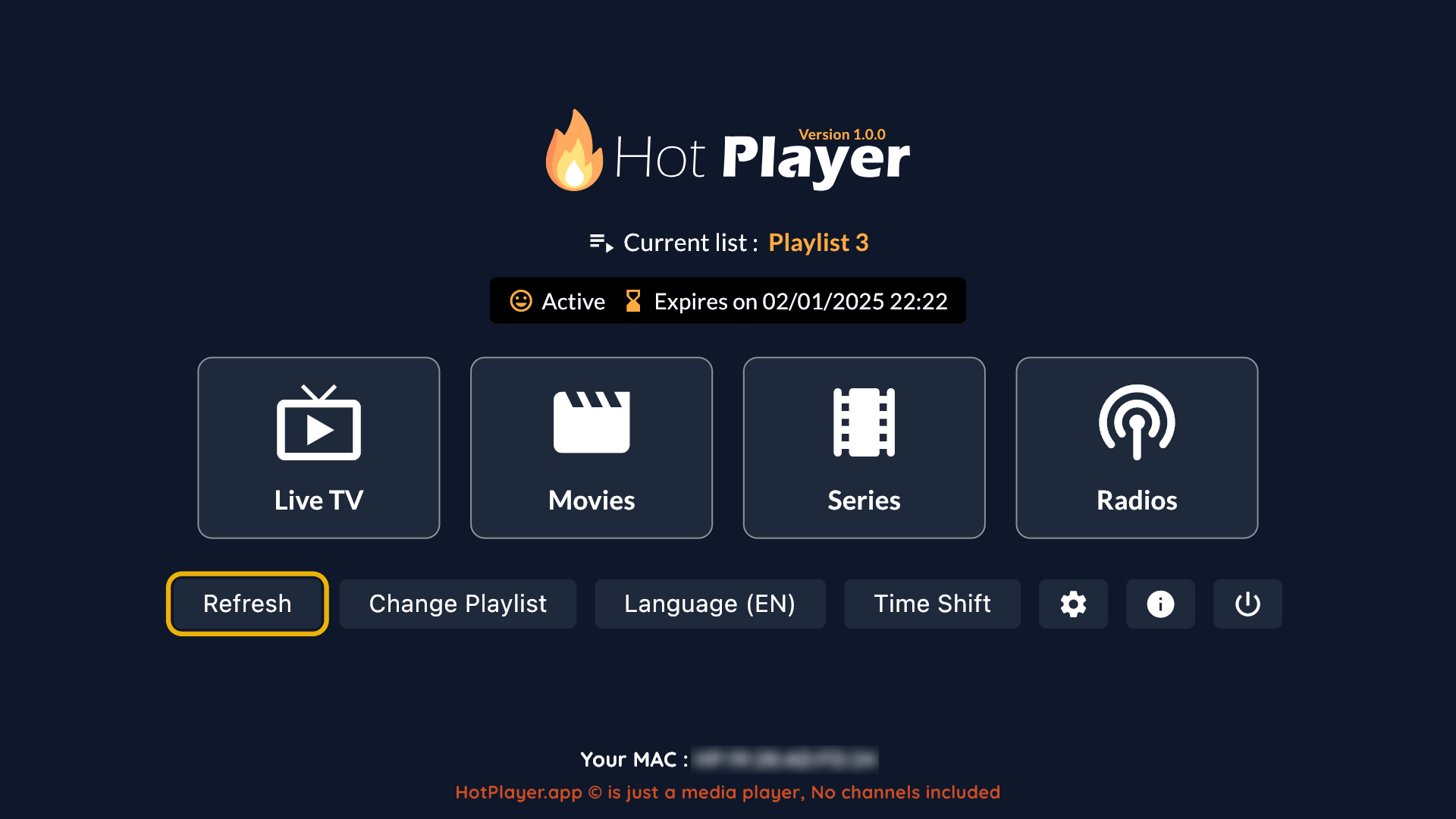
The best way to answer “is IPTV worth it?” is to watch it on your own TV, at your own busy hours. Keep the first step small:
- Start with the shortest plan. Our 1 month + 1 free plan costs $14 for 2 months, so you can test for weeks, not hours.
- Read the refund policy first, so you know the terms before you pay.
- Set it up with our guide. The IPTV setup guide shows where to enter your login in popular apps.
- Test in the evening. Watch the channels you care about at peak times and try a few movies on demand.
- Ask questions early. If something does not work, message support right away instead of waiting until the plan ends.
Prefer to pay one month at a time? Our monthly IPTV subscription guide explains how that works with us, with no automatic renewal.
Secure checkout runs on gotoiptv.com, with Cash App, Apple Pay, Google Pay, PayPal, Chime or crypto (Interac e-Transfer in Canada). If the test goes well and your answer to “is IPTV worth it?” is yes, a longer plan lowers the monthly price.
In Canada? See IPTV subscription in Canada for the English and French sections and how Interac e-Transfer works at checkout.

Is IPTV worth it? FAQ
Is IPTV worth it compared with cable?
For many homes, yes: it can cost less, needs no box rental or contract and works on devices you already own. It is only worth it if your internet is stable and the provider is reliable, so compare your own cable bill with the plan price and test first.
What internet speed do I need for IPTV?
The FCC’s Broadband Speed Guide lists about 5 to 8 Mbps for HD video and 25 Mbps for 4K video, for one activity at a time. Add more if others use the internet while you watch, and use Ethernet or strong Wi-Fi.
Can I use IPTV on multiple devices?
Yes. You can install it on several devices and switch between them, but our plans include 1 connection by default, so only one device can play at a time. For more screens at once, ask us on WhatsApp. Hot Player activation is per device.
Do I need a contract for IPTV?
Not with us. Every plan is a one-time payment with no automatic renewal. When a plan ends, you decide whether to buy another one.
How fast can I start watching?
Your login arrives by email, usually within minutes after payment is confirmed. Then you enter it in your IPTV app, which takes a few minutes.
What is the lowest-risk way to try IPTV?
Start with the shortest plan (1 month + 1 free for $14), read the refund policy before you pay, and test your channels in the evening on the TV you use most.
Not sure which plan length fits you? Our IPTV plan finder asks 4 quick questions and suggests one.