
Quick answer: GoTo Player is an IPTV player app for Fire TV, Android TV, Android phones, iPhone, iPad and Windows. It plays the IPTV login you already have (an M3U link or Xtream Codes details); it does not come with channels. It is free for 14 days on every device. After that it costs $7 a year or $20 for life on a TV, an Android device or a Windows PC, and $6.99 a year or $19.99 for life on iPhone and iPad through Apple.
Disclosure: we sell IPTV subscriptions and player activations. GoTo Player activations are sold on gotoiptv.com, where our checkout runs, and the app is made by an individual developer. We checked every fact on this page on 16 November 2026 on gotoplayer.app, the App Store, the Microsoft Store and gotoiptv.com.
Table of Contents
What is GoTo Player?
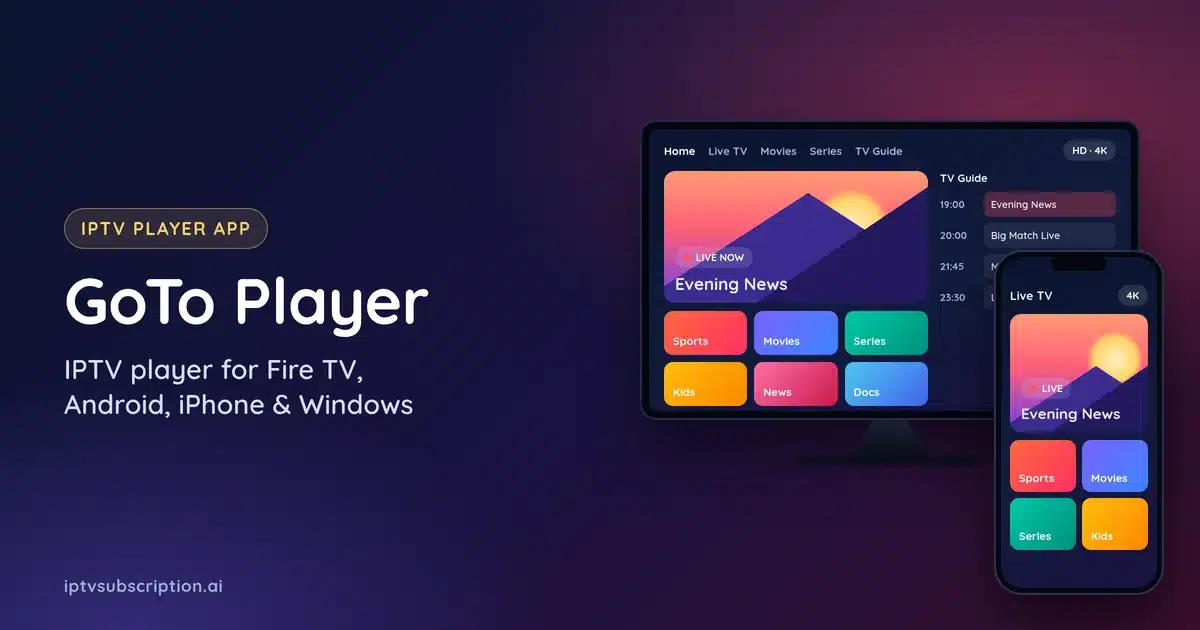
GoTo Player is an app that turns your IPTV login into an easy TV screen: live channels with a TV guide, movies and series, all in one place. Like every IPTV player, it is only the app. The channels come from your IPTV provider, so you need a subscription, such as one of our plans or any provider that gives you an M3U link or an Xtream Codes login.
Here is what the app does, according to its official site gotoplayer.app:
- Takes M3U links and Xtream Codes logins. Not sure which one you have? See Xtream Codes vs M3U.
- A TV guide (EPG) for live channels, and separate Movies and Series sections.
- Search, favourites and Continue Watching, so you can pick up where you stopped.
- Several profiles on one device, for example one for each person at home.
- Subtitles and audio tracks when the stream has them.
- Downloads to watch offline on Android phones, Android tablets and Windows.
- No ads, and your login details are stored encrypted on the device.
A demo mode lets you look around the app before you add a login, so you can see the layout first.
Devices: where GoTo Player works
The app runs on these devices (checked on 16 November 2026):
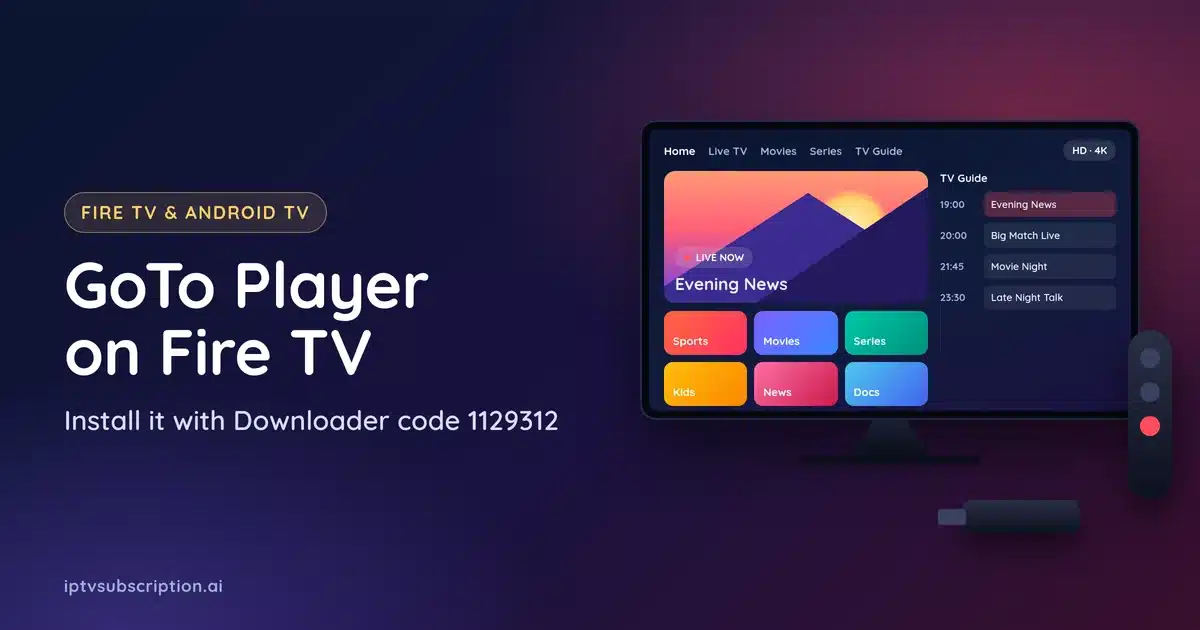
- Amazon Fire TV and Firestick with Fire OS, installed with the Downloader app and the code 1129312.
- Android TV, Google TV and Android TV boxes, with the same Downloader code.
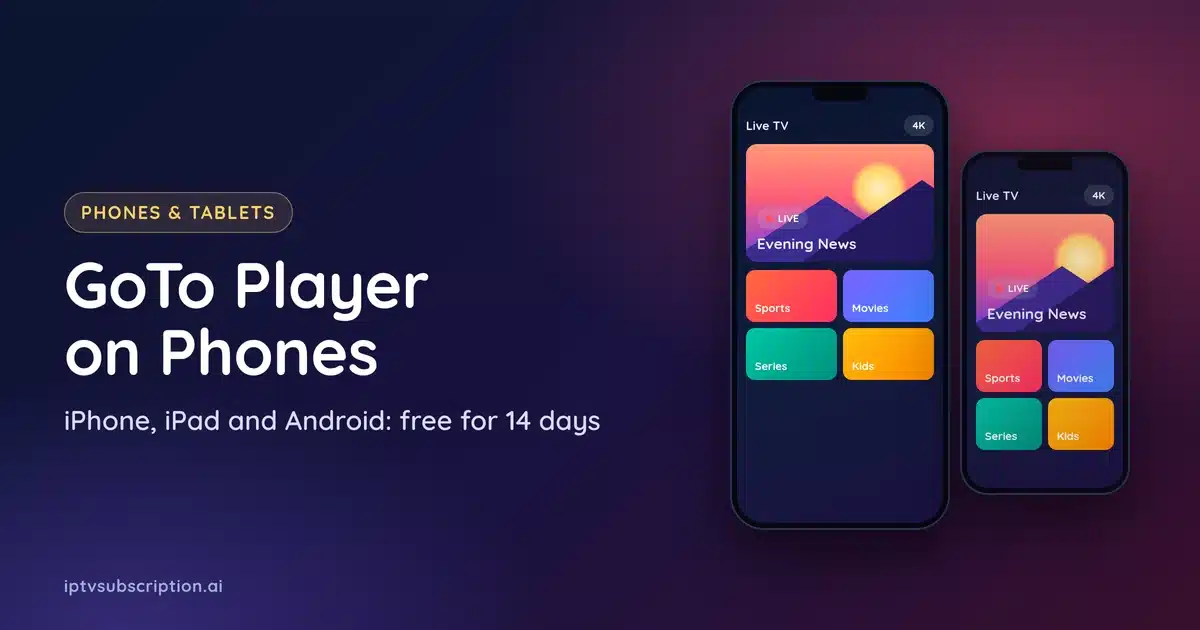
- Android phones and tablets with Android 7 or newer, from the download page. It is not on Google Play yet; its site says it is coming soon.
- iPhone and iPad, from the App Store in the US, the UK, Canada, Australia and New Zealand.
- Windows 10 and 11 PCs, from the Microsoft Store.
It does not run on Samsung or LG smart TVs, Roku, Apple TV or a Mac. It also does not install on the newer Fire TV sticks that use Vega OS instead of Fire OS, such as the Fire TV Stick 4K Select. For a Samsung or LG TV, use Hot Player instead, and for Roku see our IPTV player for Roku guide.
GoTo Player price: free for 14 days, then $7 a year or $20 for life
Every new install is free for 14 days, with all features. Use those days to check that your IPTV login, your device and your internet work well together. After the 14 days you choose one of these options:
| Device | 1 year | Lifetime | Where you buy it |
|---|---|---|---|
| Fire TV, Android TV, Android boxes, Android phones and tablets | $7 | $20 | gotoiptv.com, for one device |
| Windows 10 and 11 | $7 | $20 | gotoiptv.com (the app shows the steps) |
| iPhone and iPad (GoTo Player Pro) | $6.99, renews every year | $19.99 | In the app, through Apple |
On a TV or an Android device, one activation covers one device. It is tied to that device’s MAC address, it can’t be moved to another device, and activations are not refunded. That is one more reason to use the 14 free days first.
GoTo Player offers on gotoiptv.com
These are the offers in the gotoiptv.com shop (prices checked on 16 November 2026). Each button opens the product page, where you type your device’s MAC address and key before you pay:
Player only
Player + IPTV line
How to install GoTo Player
Fire TV, Firestick and Android TV
- Install the free Downloader app from your TV’s app store.
- Allow Downloader to install apps. Our Hot Player on Firestick guide shows this step with pictures, and it is the same for this app.
- Open Downloader, type the code 1129312 and install GoTo Player.
- Open the app and add your IPTV login: paste the M3U link, or type the Xtream Codes server, username and password.
More Fire TV apps, compared side by side, are in our IPTV player for Firestick guide.
Android phones and tablets
Open gotoplayer.app/download on the phone, download the app and allow the install when Android asks. It needs Android 7 or newer. Our best IPTV app for Android guide compares it with other players.
iPhone and iPad
Install GoTo Player from the App Store (US, UK, Canada, Australia and New Zealand). The 14 free days start in the app. After that, GoTo Player Pro costs $6.99 a year or $19.99 for life, paid through Apple. Our best IPTV app for iPhone guide has more iPhone and iPad players.
Windows
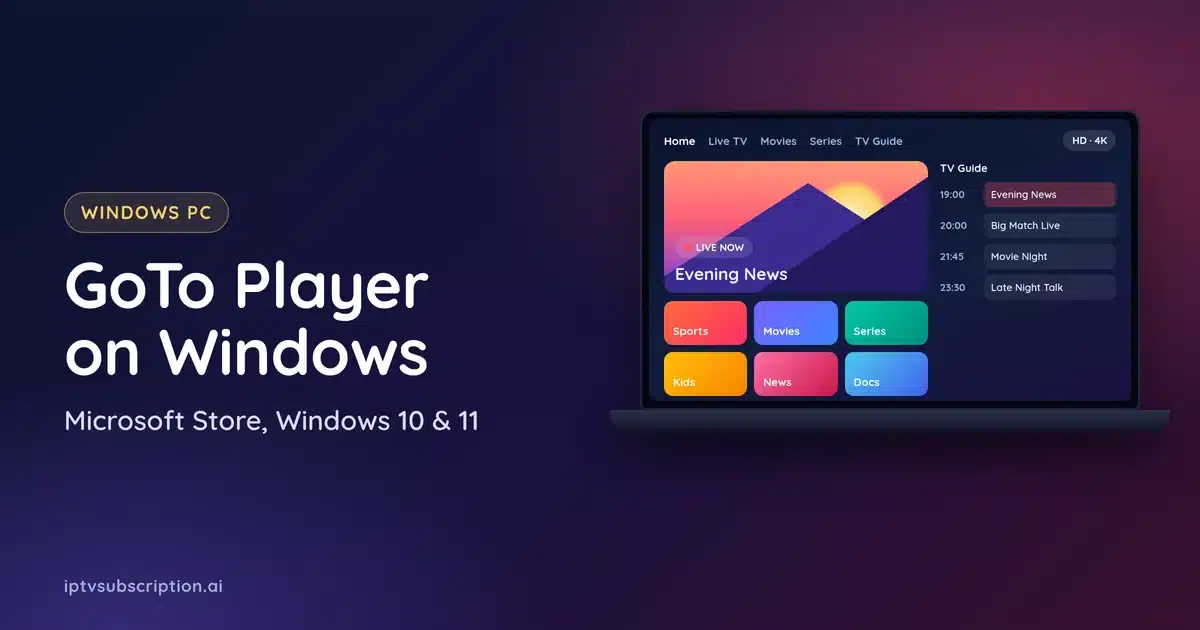
Install it from the Microsoft Store on Windows 10 or 11. It is free for 14 days, then $7 a year or $20 for life; the app shows how to activate it. See our best IPTV player for Windows guide for other PC players.
How to activate GoTo Player after the 14 days
- Open the app on your TV or Android device and note the MAC address and the 6-digit key it shows.
- Open the offer you want on gotoiptv.com and type the MAC address and key on the product page. The page checks them before you pay.
- Complete the order on the gotoiptv.com checkout.
- Keep the app open: the device unlocks itself in about a minute. With a bundle, your IPTV login also arrives by e-mail, usually within a few minutes after the payment is confirmed.
Still locked after a few minutes? Restart the app once, then message us on WhatsApp with your order number and the MAC address. Login problems on any player are covered in our IPTV not working guide.
GoTo Player or Hot Player?
Both players are sold through our checkout on gotoiptv.com, and both cost $20 for life on one device. The difference is mostly the devices:
- Pick GoTo Player for iPhone, iPad and Windows, or for Fire TV and Android if you like its Movies, Series and Continue Watching layout. It is free for 14 days, and a 1-year option for $7 exists.
- Pick Hot Player for Samsung, LG and Roku, which it does not support. The Hot Player page has its price and setup steps.
GoTo Player: FAQ
Is GoTo Player free?
It is free for 14 days on every device. After that it costs $7 a year or $20 for life on Fire TV, Android and Windows, or $6.99 a year or $19.99 for life on iPhone and iPad through Apple.
Does GoTo Player include channels?
No. It is only the player app. It plays the M3U link or Xtream Codes login from your IPTV subscription.
Does GoTo Player work on Samsung or LG TVs?
No. For Samsung and LG smart TVs, use Hot Player. It works on Fire TV with Fire OS, Android TV, Google TV, Android phones and tablets, iPhone, iPad and Windows.
Is GoTo Player on Google Play?
Not yet (checked on 16 November 2026). Its site says it is coming soon. Until then, Android users install it from gotoplayer.app.
What is the Downloader code for GoTo Player?
1129312. Type it in the Downloader app on a Fire TV or Android TV device.
Can I move my GoTo Player activation to another TV?
No. An activation on a TV or Android device is tied to that device’s MAC address, and activations are not refunded. Use the 14 free days to test first.
Does GoTo Player work with any IPTV provider?
It works with any provider that gives you an M3U link or an Xtream Codes login. It does not work with services that only run in their own app.
Need channels for GoTo Player? See our IPTV plans (from $14) or ask us on WhatsApp. More guides: IPTV player for Firestick · best IPTV player · IPTV setup guide.