
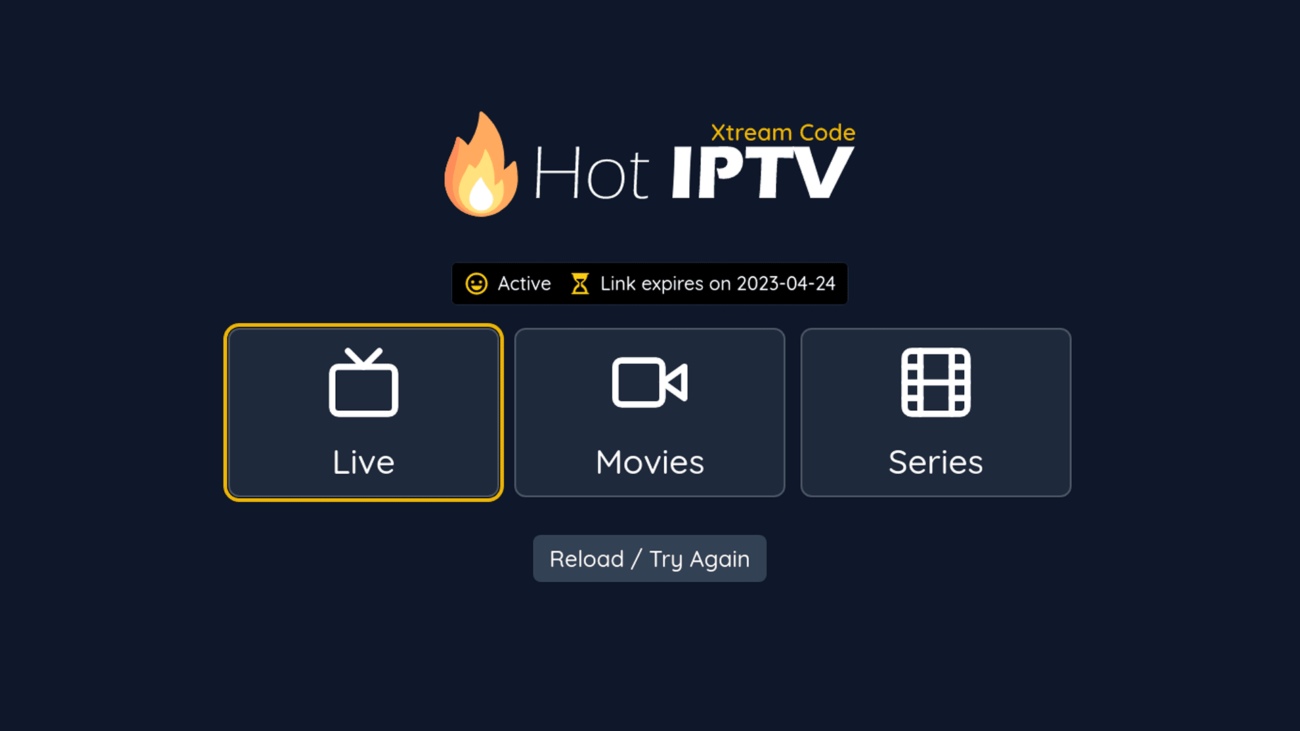
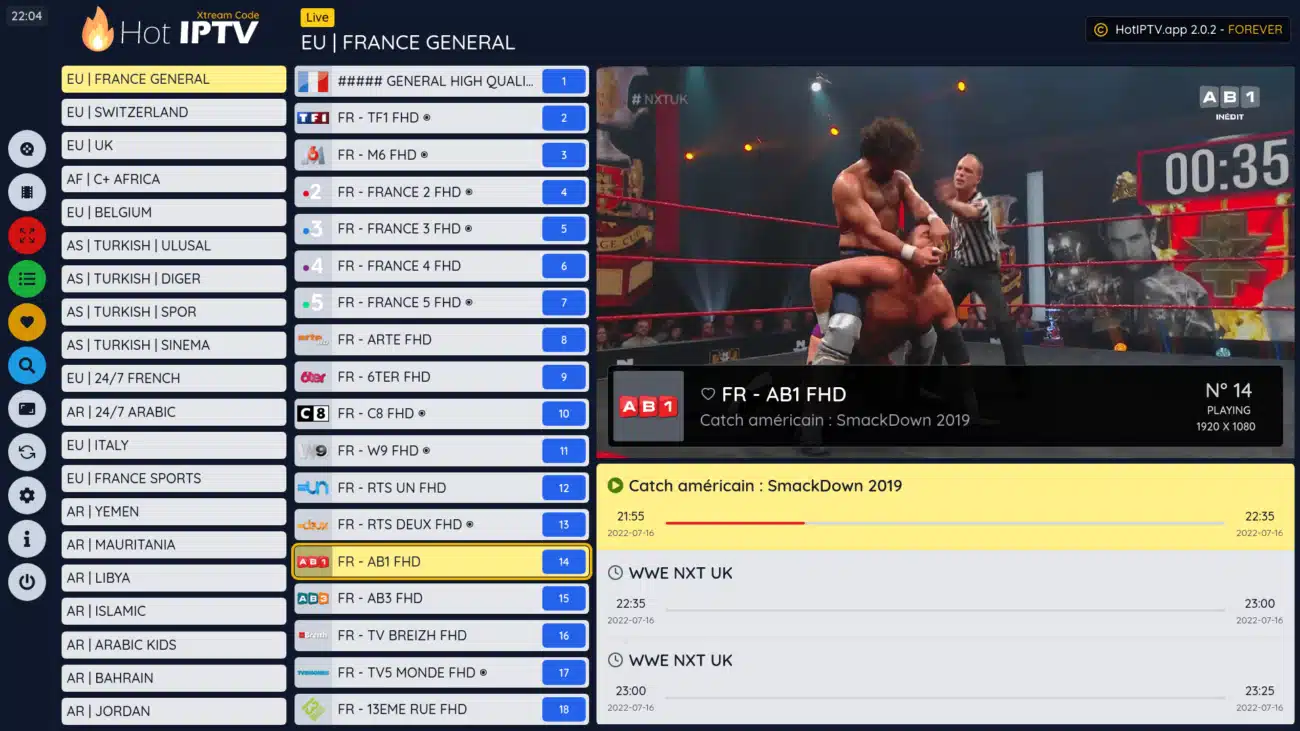
Hot Player IPTV – The Best Player for All Your Devices + 1 Month of IPTV Included
Hot Player IPTV works in perfect harmony with your IPTV Subscription. It’s designed to deliver a smooth, reliable, and user-friendly streaming experience on Smart TVs, Firestick, Android, iOS, and PC.
- Smart TVs, Firestick, phones & PC
- 30-day free app trial
- Live TV, VOD & series
Hot Player lifetime activation + 1 month of IPTV
- One device (one MAC ID), no renewal
- 1 month of IPTV free included
- No monthly fee for the player
$20 one time
Activate Hot PlayerHot Player price & activation: quick answers
Everything you need to know before you activate Hot Player (formerly Hot IPTV) on your device.
How much does Hot Player cost?
With us, lifetime activation for one device costs $20, one time, and includes 1 month of IPTV free. There is no monthly fee for the player.
Is Hot Player free?
Only for the first 30 days. The app comes with a 30-day free trial, then it needs a paid activation for each device.
Does Hot Player include channels?
No. Hot Player is a player only. Your activation with us comes with 1 month of IPTV free, added automatically.
How long does Hot Player activation take?
Usually under 2 minutes after you send your device's MAC ID, your IPTV username and your email.
Is Hot IPTV the same as Hot Player?
Yes. Hot IPTV is the former name of Hot Player. You may still see the old name in older versions of the app.
Can I use one activation on two devices?
No. Each activation is for one device (one MAC ID). A second TV or phone needs its own activation.
Is Hot Player on Roku?
Yes. Hot Player is in the Roku Channel Store: search "Hot Player", add it, then activate it like on any other device.
How do I install Hot Player on Firestick?
Install the free Downloader app on your Fire TV, open it and enter the code 395800. It downloads Hot Player; then activate it here. Full Firestick guide.
Is Hot Player on Samsung and LG TVs?
Yes. Search "Hot Player" in your TV's app store (Samsung Tizen or LG Content Store), install it and activate it with your TV's MAC ID. Samsung & LG guide.
How to activate Hot Player in 4 steps
- Install Hot Player from your device's app store (Android, iPhone/iPad, Fire TV, Samsung, LG, Roku or Windows).
- Open the app and find your device's MAC ID.
- Enter your MAC ID, IPTV username and email in the activation form below.
- Pay $20 once. Your activation and your free month of IPTV are added automatically.
One activation works on one device. For a second TV or phone, buy one more activation.
🔥 Why Choose Hot Player IPTV?
- ✔ Optimized for IPTV Subscription – works in perfect harmony
- ✔ Supports HD, Full HD & 4K channels
- ✔ Fast loading, anti-freeze technology, smooth navigation
- ✔ Works on Smart TVs, Firestick, Android, iOS, Windows, Roku and more
- ✔ One-time low activation fee, no recurring monthly costs
- ✔ 1 IPTV account free added automatically
⚡ How Activation Works (in 30 Seconds)
- Install Hot Player IPTV on your device: from Google Play, the App Store or your TV’s app store (Samsung, LG), or with the Downloader app on Firestick.
- Purchase your lifetime activation ($20, one device).
- Enter your device ID (MAC), username, and email in the activation form.
- Enjoy your activation: your playlist, with 1 month of IPTV, loads automatically.
Setup takes about 2 minutes. No tech skills required.
LIFE TIME ACTIVATION
Fill in your MAC ID, IPTV username and email. You then pay $20 on the GoToIPTV checkout.
+1 Month IPTV Free Added Automatically
- 🔒 Checkout on GoToIPTV
- 📺 One device per activation
- 💬 Help on WhatsApp
📺 Key Features of Hot Player IPTV
Hot Player IPTV is packed with features that make streaming easy and enjoyable. Here’s what you get:
- 🔥 Simple & intuitive interface – browse, search, and play content instantly
- 🔥 Favorites & categories – save channels and organize your VOD
- 🔥 Resume playback – continue movies/series right where you left off
- 🔥 Parental control with PIN lock – protect kids from adult content
- 🔥 Supports Live TV, VOD, Series, and Catch-up
- 🔥 Multi-language subtitles & audio tracks
- 🔥 Affordable one-time activation – no monthly fees
- 🔥 1 Month iptv FREE
⬇️ Official Downloads – Install Hot Player IPTV
You can find Hot Player IPTV on all major platforms. Search in your device store or click the links below:
- 📱 Android & Android TV: official site hotplayer.app, or the Downloader app with code 395800
- 📱 iPhone / iPad: Apple App Store
- 📺 Firestick / Fire TV: the Downloader app with code 395800
- 💻 Windows: Microsoft Store
- 📺 Smart TVs: Samsung / LG WebOS Store
❓ Hot Player IPTV – FAQs
Q: Is Hot Player IPTV free?
A: Only for the first 30 days. The app has a 30-day free trial; after that, each device needs an activation. With us it's $20 once (lifetime), with 1 month of IPTV included.
Q: Is Hot IPTV the same as Hot Player?
A: Yes. Hot IPTV is the app's old name; its old website hotiptv.app now leads to hotplayer.app.
Q: Does Hot Player IPTV include channels?
A: No, it’s a player only. You need an IPTV Subscription to use it. (we give you 1 month free)
Q: Can I use it on multiple devices?
A: Each activation is linked to one device. For multiple devices, purchase additional activations.
Q: How fast is activation?
A: Usually under 2 minutes after you enter your details.
Q: Is it compatible with Smart TVs?
A: Yes, works on LG, Samsung, Android TV, Firestick, and more.
🚀 Get Started Today
Download Hot Player IPTV and pair it with your subscription for the ultimate streaming experience.
⬇️ Official Downloads – Get Hot Player IPTV
- 📱
Android
Get the app from the official Hot Player site
Get it on hotplayer.app - 🍎
iPhone / iPad
Download from Apple App Store
Get on App Store - 💻
Windows
Install from Microsoft Store
Get on Microsoft Store - 📺
Roku TV
Find Hot Player on Roku Channel Store
Get on Roku - 🔵
LG Smart TV
Install Hot Player on your LG TV
Get on LG Content Store - 📡
Samsung Smart TV
Download Hot Player on Samsung Tizen TVs
On your TV: Apps → search “Hot Player”
🌍 Learn More About Hot Player IPTV
Explore more about IPTV, compare subscription plans, and check your internet speed for the best streaming experience. Hot Player IPTV works in perfect harmony with your subscription and ensures smooth playback on all devices.
- 🛒 Shop IPTV Subscription Plans
- 📊 Compare IPTV Subscription Plans
- 💲 IPTV Subscription Pricing
- ❓ IPTV Subscription FAQs
- 📖 What Is IPTV? How It Works
- 📘 IPTV Service Guide
- 🎛️ Best IPTV Player by Device
- 🔥 Best IPTV for Firestick
- 🔧 IPTV Not Working? Quick Fixes
- 💳 How to Pay with Remitly
- 📖 Learn What IPTV Is (Wikipedia)
- ⚡ Test Your Internet Speed (Speedtest.net)