
Hot Player Samsung & LG: 3 Easy Steps

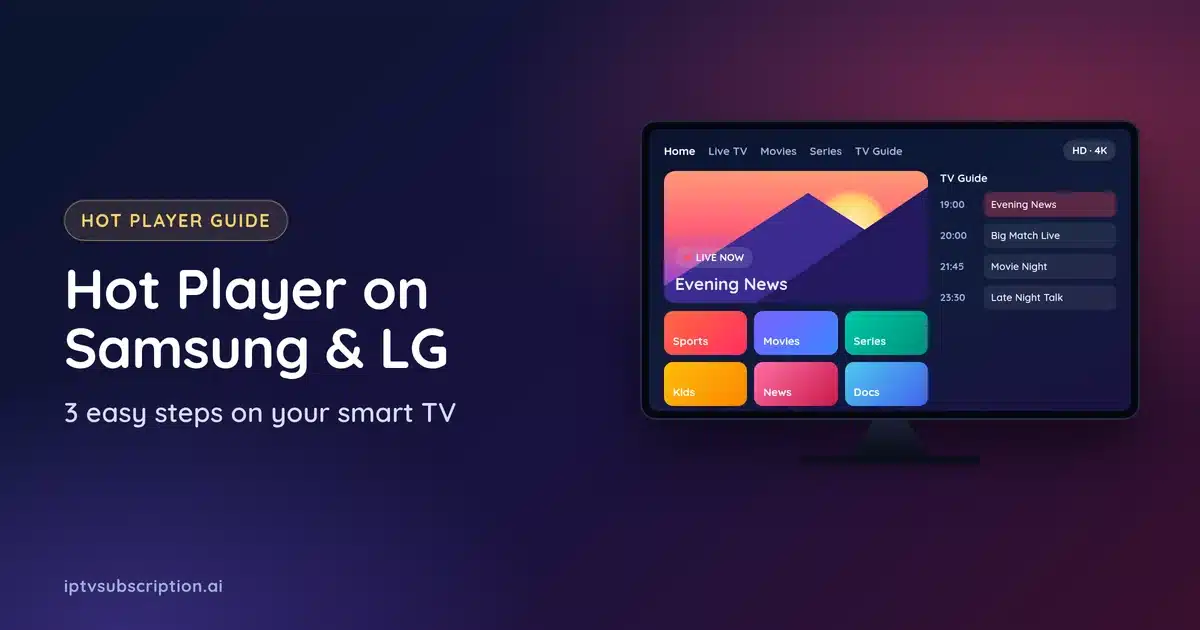
Quick answer: the Hot Player Samsung setup (and the LG one) takes about 3 steps: open your TV’s app store, search for Hot Player and install it, then activate it with the MAC ID shown on the app’s home screen. The app has a 30-day free trial; after that, activation with us is $20 once, lifetime for that TV, with 1 month of IPTV included.
Table of Contents
Before you start
- A Samsung Smart TV (Tizen) or an LG Smart TV (webOS) connected to the internet.
- Your TV remote and about 5 minutes.
- Your IPTV username. No subscription yet? Our activation includes 1 free month of IPTV.
Hot IPTV is the old name of Hot Player, so TV guides that still say “Hot IPTV” describe the same app. The developer lists the app in the Samsung Tizen TV store and shows LG among supported TVs on hotplayer.app.

Hot Player Samsung TV: install in 3 steps
- Press Home on your Samsung remote and open Apps.
- Select the search icon (magnifying glass) and type Hot Player.
- Open the app page, choose Install, then Open.
Samsung sometimes asks you to sign in to a Samsung account before installing apps. That is a Samsung requirement, not ours; you can create the account for free on the TV.
Hot Player on LG Smart TV: install in 3 steps
- Press Home on your LG remote and open the LG Content Store (called Apps on newer TVs).
- Search for Hot Player.
- Choose Install, then Launch.
App stores are different in each country and on older TV models. If you can’t find Hot Player on your Samsung or LG TV, send us your TV model on WhatsApp and we’ll tell you the best option for it.
Find your MAC ID on the Hot Player Samsung or LG app
Open Hot Player. At the bottom of the home screen you will see Your MAC: write it down or take a photo. The home screen also shows which playlist is active and when your trial or activation ends.

Activate Hot Player on your TV (about 2 minutes)
- Open our Hot Player activation form.
- Enter the MAC ID from your TV, your IPTV username (or the one you would like) and your email.
- Pay $20 once. Your lifetime activation and 1 month of IPTV are added, usually in under 2 minutes. Then press Refresh on the app’s home screen.

Which TVs work with Hot Player Samsung and LG apps?
Hot Player for Smart TVs runs on Samsung TVs with the Tizen system and on LG TVs with webOS, which covers most Samsung and LG Smart TVs sold in recent years. Very old models, or TVs bought in a country where the app is not offered, may not show it in the store. In that case a small streaming device (for example a Fire TV Stick) plugged into the TV is the simplest solution.
Have a Roku TV or a Roku stick instead? Hot Player is in Roku’s Streaming Store too: follow our IPTV player for Roku guide.
Hot Player Samsung and LG features
The TV version has the same features as on phones and streaming sticks (feature list from the developer):
- Up to 3 playlists that you can switch between on the home screen.
- Live TV, movies, series and catch-up, with favourites and categories.
- Time Shift and a language button on the home screen.
- PIN lock to lock or hide content, useful with children at home.
- Lock MAC, so nobody else can reset your playlist.
Tips for Hot Player on Samsung and LG TVs
- Use a network cable if your TV has an Ethernet port. It is usually more stable than Wi-Fi in the evening.
- Check your speed: we recommend at least 25 Mbps per stream for HD and a faster connection for 4K.
- Use “Lock MAC” in the app settings so nobody else can reset your playlist.
- Restart the TV fully (unplug it for 10 seconds) if channels freeze after many hours.
- Keep the app updated from your TV’s app store.
Problems? Quick fixes
- Hot Player is not in my TV’s store: the app is not available in every country or on every model. Message us with your TV model.
- The app asks to activate after 30 days: that is normal. The free trial has ended; activate it with the form above.
- No channels after activation: Hot Player is only a player. Channels come from your IPTV subscription; see our IPTV plans.
- Still stuck? Contact support with your MAC ID and a photo of the screen.
Using a Fire TV Stick instead? Installation is different there (with the Downloader app). Ask us on WhatsApp and we’ll guide you, or follow our IPTV setup guide.
Setting up a Fire TV Stick too? Follow the Hot Player Firestick guide (Downloader code 395800). If streams buffer, run the 7 server checks.
FAQ: Hot Player on Samsung and LG
Is Hot Player available on Samsung TVs?
Yes. The developer lists it in the Samsung Tizen TV store. Search “Hot Player” in Apps on your TV.
Is Hot Player free on a Smart TV?
For the first 30 days. After the free trial, each TV needs a paid activation. With us it’s $20 once, lifetime, with 1 month of IPTV included.
Where do I find the MAC ID on my TV?
At the bottom of the Hot Player home screen, next to “Your MAC”.
Can I use one activation on my TV and my phone?
No. Each activation is linked to one device’s MAC ID. For a second device, buy a second activation.
Is Hot Player on Roku?
Yes. The developer’s site lists the Roku Store among its download sources. Search for “HotPlayer” in the Roku Channel Store, install it, and activate it with the details the app shows, as on Samsung and LG.
Does Hot Player include channels?
No. Hot Player is a video player. You need an IPTV subscription; our activation includes 1 month.
More help: activate Hot Player for $20.