
Hot Player IPTV – #1 The Best IPTV Player for All Your Devices
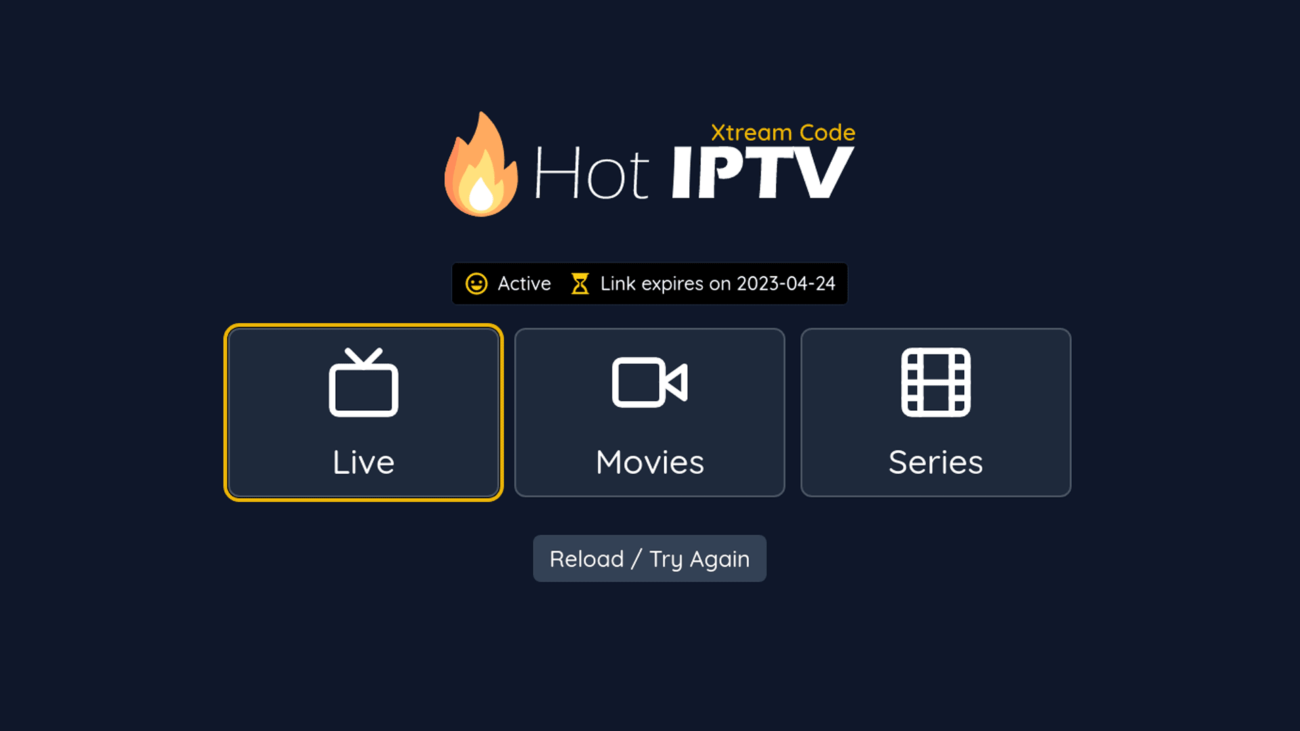
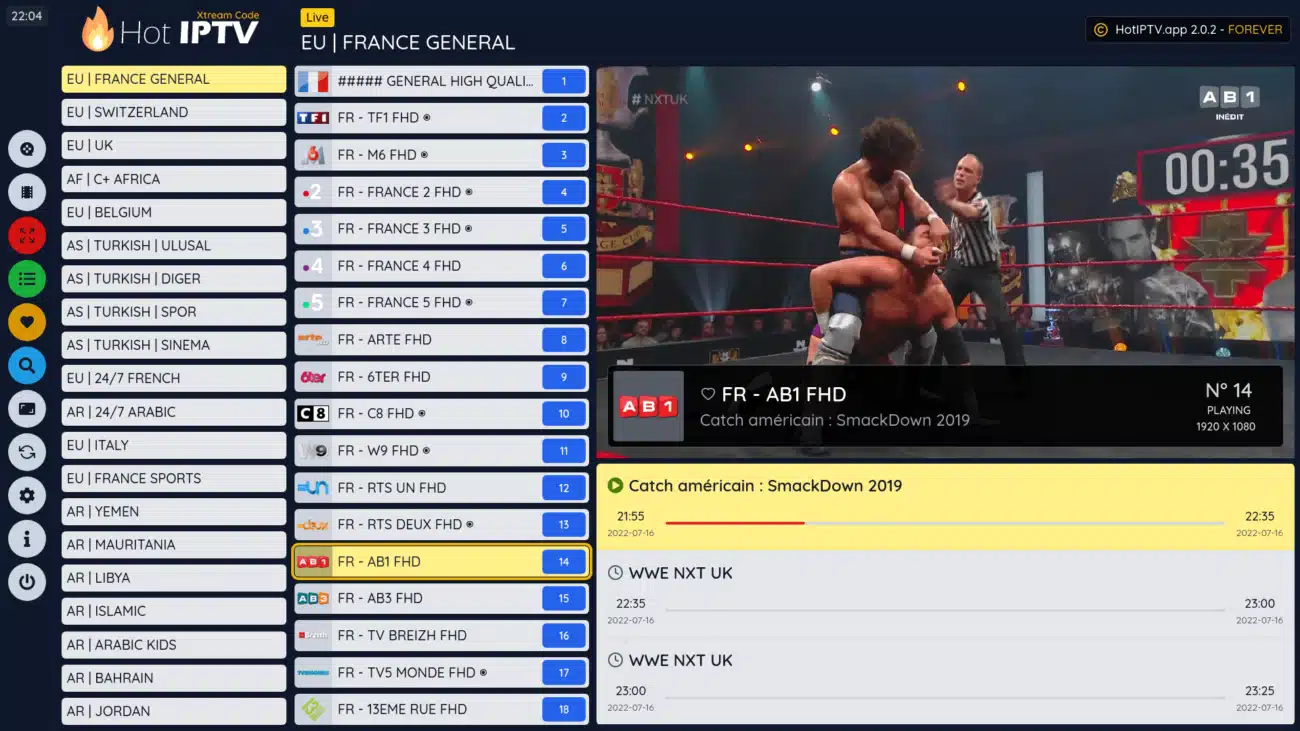
Hot Player IPTV – The Best Player for All Your Devices
Hot Player IPTV works in perfect harmony with your IPTV Subscription. It’s designed to deliver a smooth, reliable, and user-friendly streaming experience on Smart TVs, Firestick, Android, iOS, and PC.
🔥 Why Choose Hot Player IPTV?
- ✔ Optimized for IPTV Subscription – works in perfect harmony
- ✔ Supports HD, Full HD & 4K channels
- ✔ Fast loading, anti-freeze technology, smooth navigation
- ✔ Works on Smart TVs, Firestick, Android, iOS, Windows, Mac, and more
- ✔ One-time low activation fee, no recurring monthly costs
⚡ How Activation Works (in 30 Seconds)
- Download Hot Player IPTV from your device’s official store (Google Play, App Store, Firestick, etc.).
- Purchase your activation (1 year or lifetime option available).
- Enter your device ID (MAC), username, and email in the activation form.
- Enjoy instant activation — your playlist loads automatically.
Setup takes about 2 minutes. No tech skills required.
📺 Key Features of Hot Player IPTV
Hot Player IPTV is packed with features that make streaming easy and enjoyable. Here’s what you get:
- 🔥 Simple & intuitive interface – browse, search, and play content instantly
- 🔥 Favorites & categories – save channels and organize your VOD
- 🔥 Resume playback – continue movies/series right where you left off
- 🔥 Parental control with PIN lock – protect kids from adult content
- 🔥 Supports Live TV, VOD, Series, and Catch-up
- 🔥 Multi-language subtitles & audio tracks
- 🔥 Affordable one-time activation – no monthly fees
⬇️ Official Downloads – Install Hot Player IPTV
You can find Hot Player IPTV on all major platforms. Search in your device store or click the links below:
- 📱 Android: Google Play Store
- 📱 iPhone / iPad: Apple App Store
- 📺 Firestick: Amazon Fire TV
- 💻 Windows & Mac: Microsoft Store
- 📺 Smart TVs: Samsung / LG WebOS Store
❓ Hot Player IPTV – FAQs
Q: Is Hot Player IPTV free?
A: No. It requires a one-time activation fee per device (1 year or lifetime).
Q: Does Hot Player IPTV include channels?
A: No, it’s a player only. You need an IPTV Subscription to use it.
Q: Can I use it on multiple devices?
A: Each activation is linked to one device. For multiple devices, purchase additional activations.
Q: How fast is activation?
A: Usually under 2 minutes after you enter your details.
Q: Is it compatible with Smart TVs?
A: Yes, works on LG, Samsung, Android TV, Firestick, and more.
🚀 Get Started Today
Download Hot Player IPTV and pair it with your subscription for the ultimate streaming experience.
⬇️ Official Downloads – Get Hot Player IPTV
🌍 Learn More About Hot Player IPTV
Explore more about IPTV, compare subscription plans, and check your internet speed for the best streaming experience. Hot Player IPTV works in perfect harmony with your subscription and ensures smooth playback on all devices.